Subscription
Ready to fly smarter?
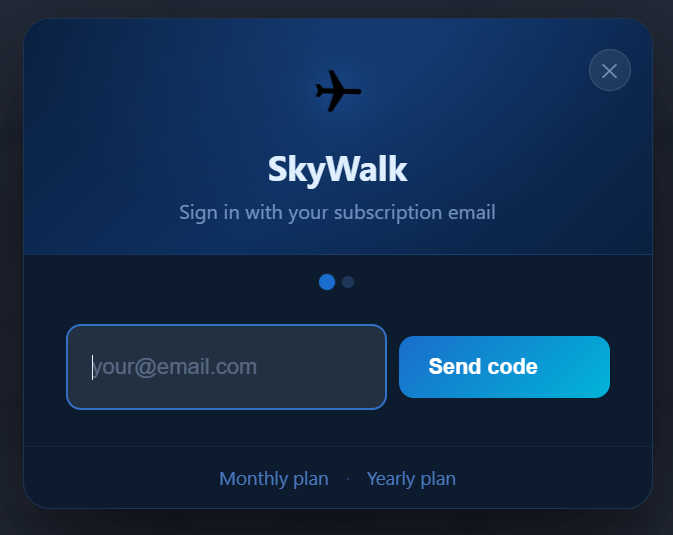
Sign in Screen
As a user you can sign in with your email; no password needed. First, you enter your email address and click “Send code.” You’ll receive a 6-digit code in your inbox within seconds. Enter this code in the app to verify your identity. Behind the scenes, your device is recognized automatically, so you don’t have to set anything up yourself. Once the code is correct, you’re signed in and can continue using SkyWalk immediately.
After signing in, you stay logged in on that device, so you don’t have to repeat the process every time. If your subscription is active, everything works seamlessly in the background. If you try to log in on too many devices, you’ll be asked to remove one before adding a new one. And if your subscription expires, you’ll simply be signed out and guided to renew.
|
Disclaimer
DISCLAIMER OF WARRANTY AND LIABILITY
This software is provided “AS IS”, without warranty of any kind, express or implied, including but not limited to the warranties of merchantability, fitness for a particular purpose, accuracy, or non-infringement.
The entire risk arising out of the use or performance of this software is assumed by the user. In no event shall the author be liable for any claim, damages, or other liability, whether in an action of contract, tort, or otherwise, arising from, out of, or in connection with the software or the use or other dealings in the software.