New Flight Plan
The first tab is Create and Load Flight Plans.
This tab contains two expanders: New Flight Plan and Load/ Delete Flight Plan.
|
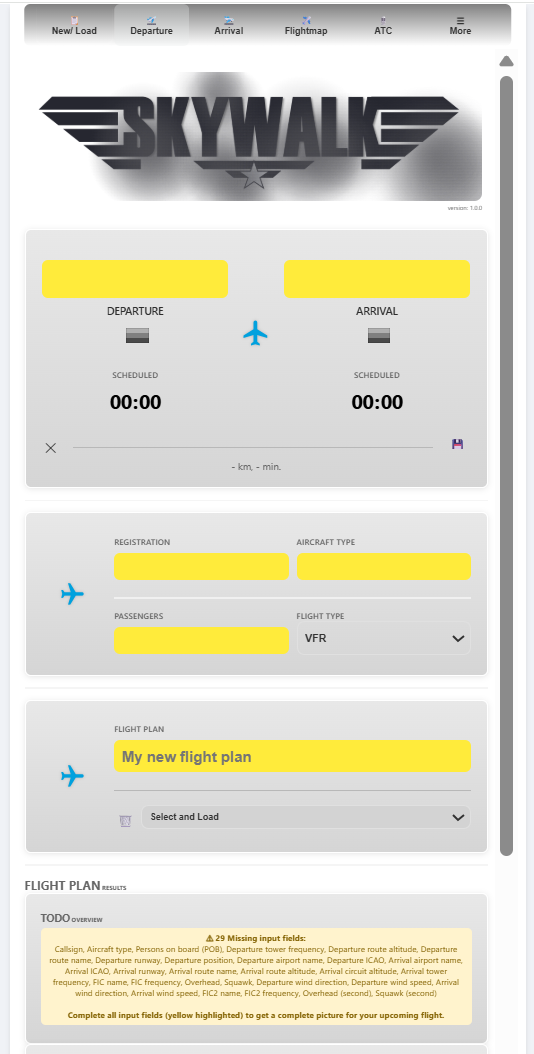
New flight plans can be created with an unique name (e.g., “Tour Flight - The Keys”), and by creating a new flight plan, all previous results are cleaned for a new fresh start.
You can do this with the ✕ button to clean all. If you want to overwrite an existing flightplans, simply use the same flight plan name.
Load/ Delete Flight Plan
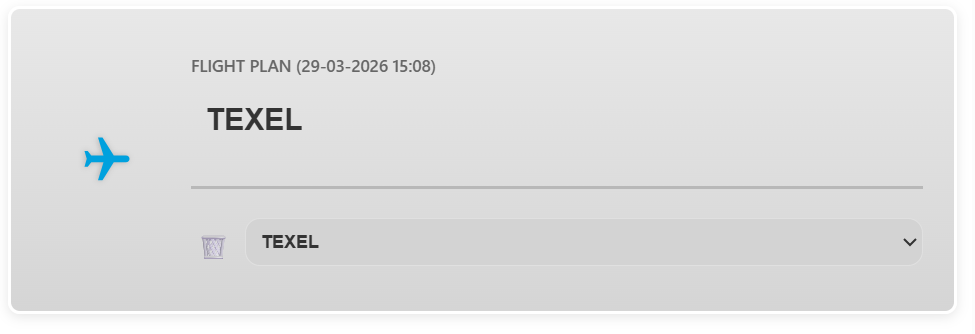
The Select and Load is helpful to quickly load a flight plan and check the current status for the flight plan.
By loading the flight plan, the most recent weather information is processed again and the flight plan details are updated.
The Delete or 🗑️ button is to delete the flight plan, and the blue aircraft icon is to (force) load the flight plan in case needed.
|
Flashcards
At the bottom of the main page is are the flashcards that shows a summary for the Departure and Arrival details. Each flashcard describes an event and is colored in green, orange or red.
The top part of the flashcards describes the catagory and the bottom part the status. Depending on the item, the status can be a value or description. Information is gathered and processed across all tabs and expanders. Use the refresh button at the bottom of SkyWalk to make sure all information is processed. When new information is provided, like METAR information the flashcard will be updated directly. The requierd (missing) information is displayed on top and when all fields are filled in, it shows in green that “All fields completed”.
|
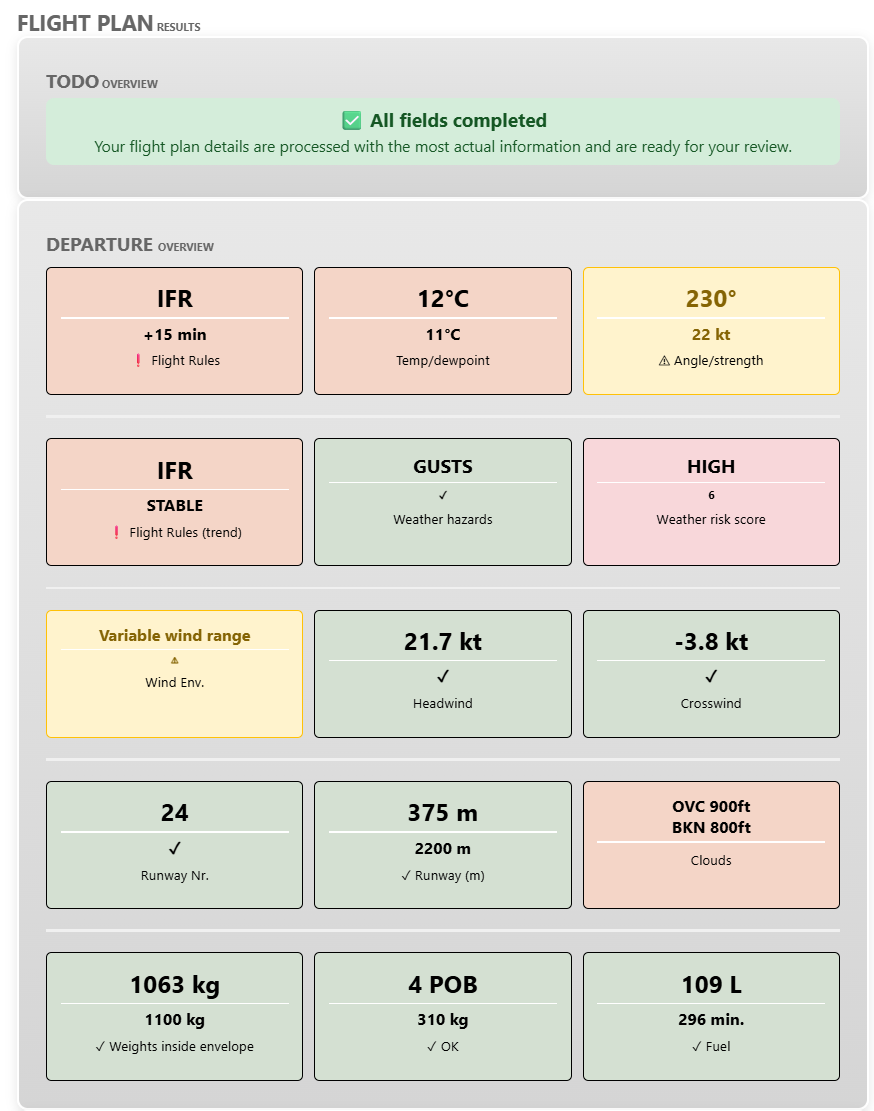
An overview of all flashcards is shown in the table:
Description |
Badge |
|---|---|
Flight Rules |
VFR/ MVFR/ IFR/ LIFR |
Temp/ Dewpoint |
Temperature and dewpoint (METAR) |
Angle/ Strength |
Wind direction and strength (METAR) |
Flight Rules (trend) |
The trend for flightrules: VFR/ MVFR/ IFR/ LIFR and STABLE/ DETERIORATING |
Weather Hazards |
Lists seen hazards such as gust, snow, rain etc (METAR) |
Weather risk score |
The sum of points based on Flight rule type, hazards, clouds (METAR) |
Wind Envelope |
Current wind conditions |
Headwind speed at the runway |
The headwind component |
Crosswind speed at the runway |
The crosswind component |
Runway number |
The expected runway number based on the headwind component |
Runway length |
Minimum runway length required (both 50ft and normal |
Clouds |
Altitude of the cloud base |
Weight and balance |
Weight and balance results |
POB |
Number of persons on board |
Fuel |
Required fuel and minutes |