
version: 1.0.0
- km, - min.
REGISTRATION
AIRCRAFT TYPE
PASSENGERS
FLIGHT TYPE
FLIGHT PLAN
TODO OVERVIEW
Missing: Flight plan name, CALLSIGN, Aircraft Type
DEPARTURE OVERVIEW
ARRIVAL OVERVIEW
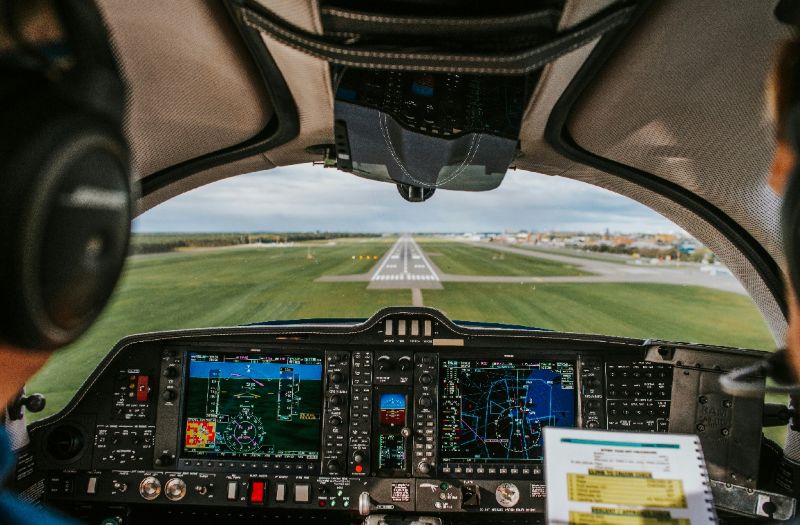
Wind direction (°)
Strength (kt)
Gust (kt)
Variation (°)
Temp. (C°)
QNH
Aerodrome name
Position of the aircraft
Altitude circuit(ft)
Name departure
Altitude departure (ft)
Ground/ delivery (MHz)
Tower/ Radio (MHz)
ATIS (MHz)
Telephone Number
Approach (MHz)
FIC NAME
FREQUENCY (Mhz)
OVERHEAD
SQUAWK
Runway Length (ft)
Runway Nr.
Slope (°)
Elevation (ft)
Surface
Condition
Totals
Total Moment
Total Weight (kg)
Take off CG
Fuel (liters)

Pilot (kg)
Front Passenger (kg)
Left Passenger (kg)
Right Passenger (kg)
Baggage (kg)
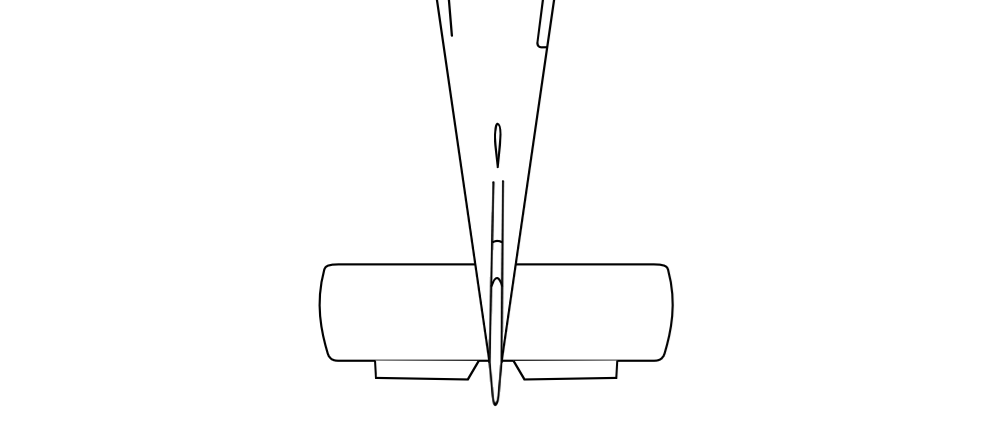
Weight & Balance Envelope
Wind Direction
Strength (kt)
Gust (kt)
Variation (°)
Temp. (C°)
QNH
Aerodrome name
Position of the aircraft
Altitude circuit(ft)
Name arrival
Altitude arrival (ft)
Ground/ delivery (MHz)
Tower/ Radio (MHz)
ATIS (MHz)
Telephone Number
Approach (MHz)
FIC NAME
FREQUENCY (Mhz)
OVERHEAD
SQUAWK
Runway Length (ft)
Runway Nr.
Slope (°)
Elevation (ft)
Surface
Condition
Totals
Total Moment
Total Weight (kg)
Take off CG
Fuel (liters)
Pilot (kg)
Front Passenger (kg)
Left Passenger (kg)
Right Passenger (kg)
Baggage (kg)
Weight & Balance Envelope
The airspace projections and navigation logs are based on data that can be outdated or inaccurate.
Do not navigate using the map but only use it for educational purposes.
Step 1. Select the map layers so the legs can be drawn more accurately.
Step 2. Add the circuit by choosing North/ South and the pattern-type. Note that the runway direction is automatically set.
Step 3. Create waypoints by clicking on the pink line. Remove the waypoints with a right-click or long-click (mobile devices).
0 km |
0 min |
00:00 →
00:00
Step 4. Update the navigation table with [Update/reset navigation table] based on the choosen circuit and waypoints on the map. Update the empty LEG name and altitude fields and press save.
Step 5. Set the checkboxes as desired before starting the NAVLOG.
Choose Font Size
Choose Columns
Select the countries for ICAO selection by moving countries from Available to Selected lists.
This section is to manage general configurations.
Press to see the saved cache..
Warning: This will permanently delete all saved flightplans and aerodrome images from your local browser storage. The reason for using this is when you want to start fresh or when you suspect that your flightplans or images are corrupted or the ATC page does not show or update. This action cannot be undone.
Flight preparations requires doing many tasks carefully. Here we seperate them into catagories to keep it organized.
Personalize your checklist by adding or removing items.
Specify the technical (POH) specifications for one or multiple aircrafts.
The parameters are used for weight and balance calculations, and the takeoff and landing performance calculations.
Pilot (kg)
Front Passenger (kg)
Left Passenger (kg)
Right Passenger (kg)
Baggage (kg)
REGISTRATION
AIRCRAFT TYPE
Cruise Speed (k/h)
MTOW (kg)
Fuel Type
Fuel Density
Fuel Consumption (l/h)
Maximum Fuel (l)
Costs Per Hour
Set the ranges for the aircraft's ARM, and empty weight. The take-off center of gravity (CG) is then shown at the bottom.
Empty aircraft weight (kg)
Position
Arm (cm)
Moment
Empty Weight
Pilot
Front Passenger
Rear Left Passenger
Rear Right Passenger
Baggage
Fuel
Totals
Total Moment
Total Weight (kg)
Take off CG
The weight and balance envelope is drawn as a polygon on a chart, with weight on one axis and CG (moment arm) on the other.
Enter the coordinates of the envelope points below according to the POH.
x
y
Weight & Balance Envelope
The takeoff performance of an aircraft depends on various conditions.
Set the parameters for weather, runway type, slope over here.
Use your POH to get the information. You can load default settings to get an idea of the ranges.
Correction factors for takeoff, given the wind (multiply per n kts).
Headwind (kts)
Correction Factor
Tailwind (kts)
Correction Factor
As an example: Tailwind (kts)=2 and Correction Factor=1.1 describes: Add 10% to the distance for each 2 kt increase in tail wind.
Take into account the takeoff performance on hard, soft, or other surfaces, and whether the runway is dry or wet.
Correction Factor
Runway Type
Dry Surface
Wet Surface
Hard
Soft
Other
Example: Dry Surface and Soft with value 1.15 describes: Add 15% for short, dry, grass.
Correction factor for runway slope (per percent gradient).
Runway Slope (%)
Correction Factor
Example: A slope of 2% and correction factor of 1.1 describes: An upward slope of 2% (2 m in 100 m) increases the take-off distance by 10%.
Minimum Takeoff Distance (% runway)
Example: 0.95 describes: Minimum distance for take-off is 95% of the runway length.
The landing performance of an aircraft depends on various conditions.
Set the parameters for weather, runway type, slope over here.
Use your POH to get the information. You can load default settings to get an idea of the ranges.
Correction factors for landing, given the wind (multiply per n kts).
Headwind (KIAS)
Correction Factor
Tailwind (kts)
Correction Factor
As an example: Tailwind (kts)=2 and Correction Factor=1.1 describes: Add 10% to the distance for each 2 kt increase in tail wind.
Take into account the takeoff performance on hard, soft, or other surfaces, and whether the runway is dry or wet.
Runway Type
Dry Surface
Wet Surface
Hard
Soft
Other
Example: Dry Surface and Soft with value 1.15 describes: Add 15% for short, dry, grass.
Correction factor for runway slope (per percent gradient).
Runway Slope (%)
Correction Factor
Example: A slope of 2% and correction factor of 1.1 describes: An upward slope of 2% (2 m in 100 m) increases the take-off distance by 10%.
Minimum Landing Distance (% runway)
Example: 0.7 describes: Minimum distance for take-off is 70% of the runway length.
Set your takeoff performance distances from the POH for the defined MTOW. Add/remove rows as needed.
| Alt (ft) | Temp (°C) | Dist (m) | 50ft (m) |
|---|
Set your landing performance distances from the POH for the defined MTOW. Add/remove rows as needed.
| Alt (ft) | Temp (°C) | Dist (m) | 50ft (m) |
|---|
The calculations are for educational purposes only and does not replace procedures. Always verify your calculations and consult official aircraft documentation before flight.
This section is to manage SkyWalk subscriptions.